PulseDev for Astro.Click it, fix the .astro.
Click any element in your running Astro site and say what’s wrong. Your agent opens the .astro file or island behind it, proposes a diff, and the dev server updates after you approve.
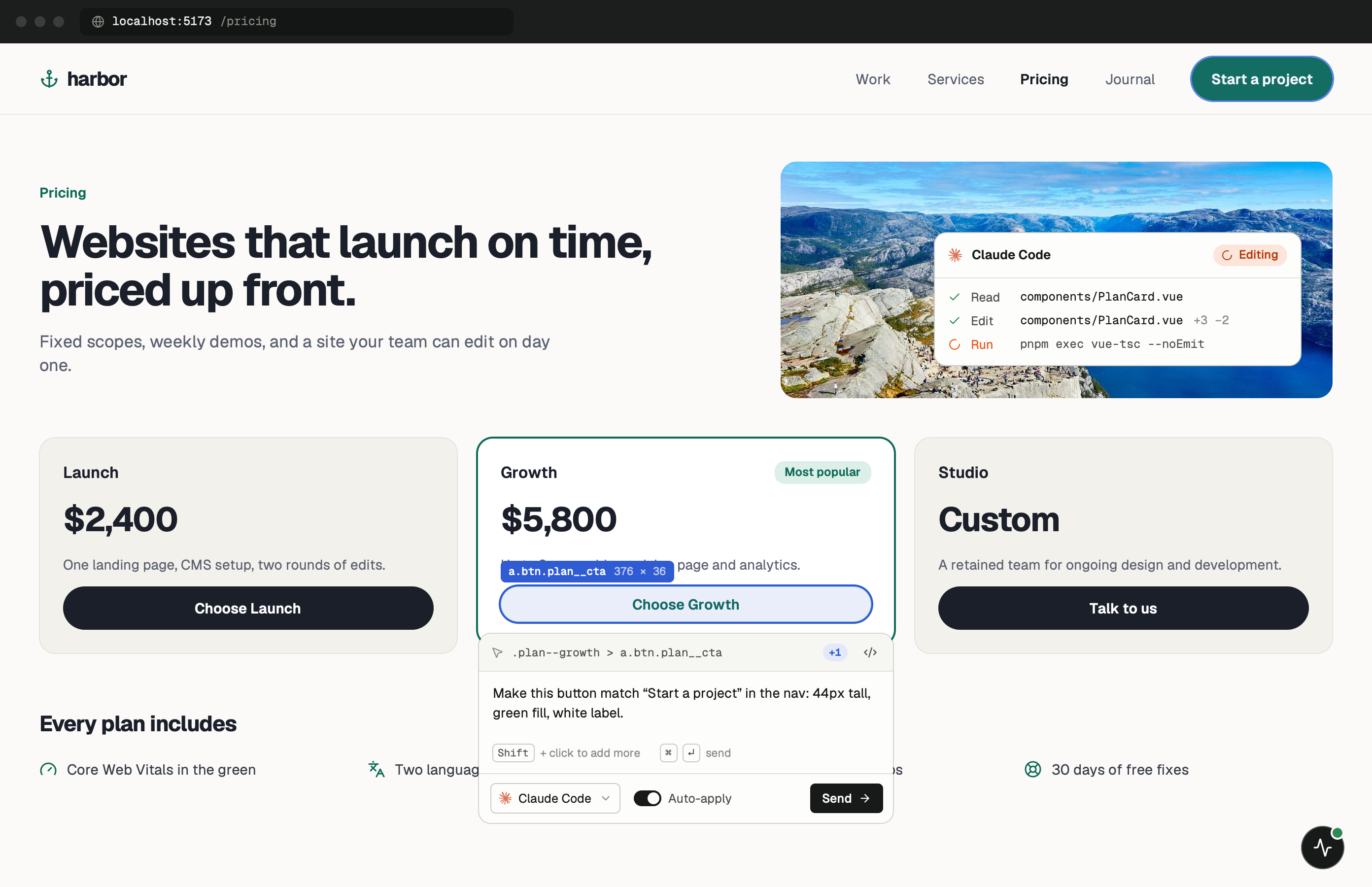
Mostly static HTML, a few islands.
Most of an Astro page is HTML rendered from .astro files, with interactive islands from React, Vue, Svelte or Solid wherever you added a client: directive. The widget sees all of it as one page. A click on static markup and a click inside a hydrated island look the same to PulseDev.
The difference is where the fix goes. Static parts trace back to an .astro component or layout. Islands trace back to their own framework file, and in the DOM they sit inside an <astro-island> element, which is a useful hint for the agent.
One minute of setup.
None of it ships.
Set up project doesn’t detect Astro. It looks for an index.html, usually finds none, and shows the tag for you to paste. Add the gated version below to your shared layout, with the token and port from the app. More in the widget docs.
- Add
Paste the tag into your layout.
Put it in the layout every page uses, such as src/layouts/Layout.astro. is:inline stops Astro from processing the script, and import.meta.env.DEV keeps it out of astro build.
src/layouts/Layout.astro {import.meta.env.DEV && ( <script is:inline src="http://localhost:3899/widget.js" data-token="YOUR_TOKEN"></script> )} - Run
Start astro dev.
Astro’s dev server runs on localhost:4321 by default. Open a page and the PulseDev button appears once the script loads.
terminal $npm run dev
Notes for
Astro sites.
Astro has a few rules about scripts and islands that affect the setup.
Keep is:inline
Without is:inline, Astro treats the <script> as a module to process and bundle. The widget has to load as a plain script from the PulseDev server, so the directive stays.
Islands
Elements inside client:load or client:visible islands are clickable once hydrated. The agent edits the island’s .tsx, .vue or .svelte file, not the .astro page that includes it.
Content collections
Text from Markdown or MDX in src/content is rendered into the page. If the fix is to the copy, say so, and the agent can follow the URL to the entry file.
Approve, then reload
The agent’s changes wait for your approval. Once written, the dev server picks them up; a full page reload resets island state.
Astro questions.
- Do I need an Astro integration?
- No. A script tag in your layout is all PulseDev needs. There’s no integration to add to astro.config.mjs.
- Does it work with on-demand rendering?
- Yes. Whether a page is prerendered or rendered on request, astro dev serves it on localhost and the layout includes the script.
- Does it add anything to my build?
- No. import.meta.env.DEV is false during astro build, so the expression renders nothing.
- Can every agent edit .astro files?
- Yes. To Claude Code, Codex and Gemini CLI an .astro file is source text like any other.
Your Astro site is running.Go point at the bug.
Windows coming soon. Free to start.