PulseDev for Jekyll.Click it, fix the layout.
Click any element in your running Jekyll site and say what’s wrong. Your agent opens the layout or include behind it, proposes a diff, and a rebuild shows it after you approve.
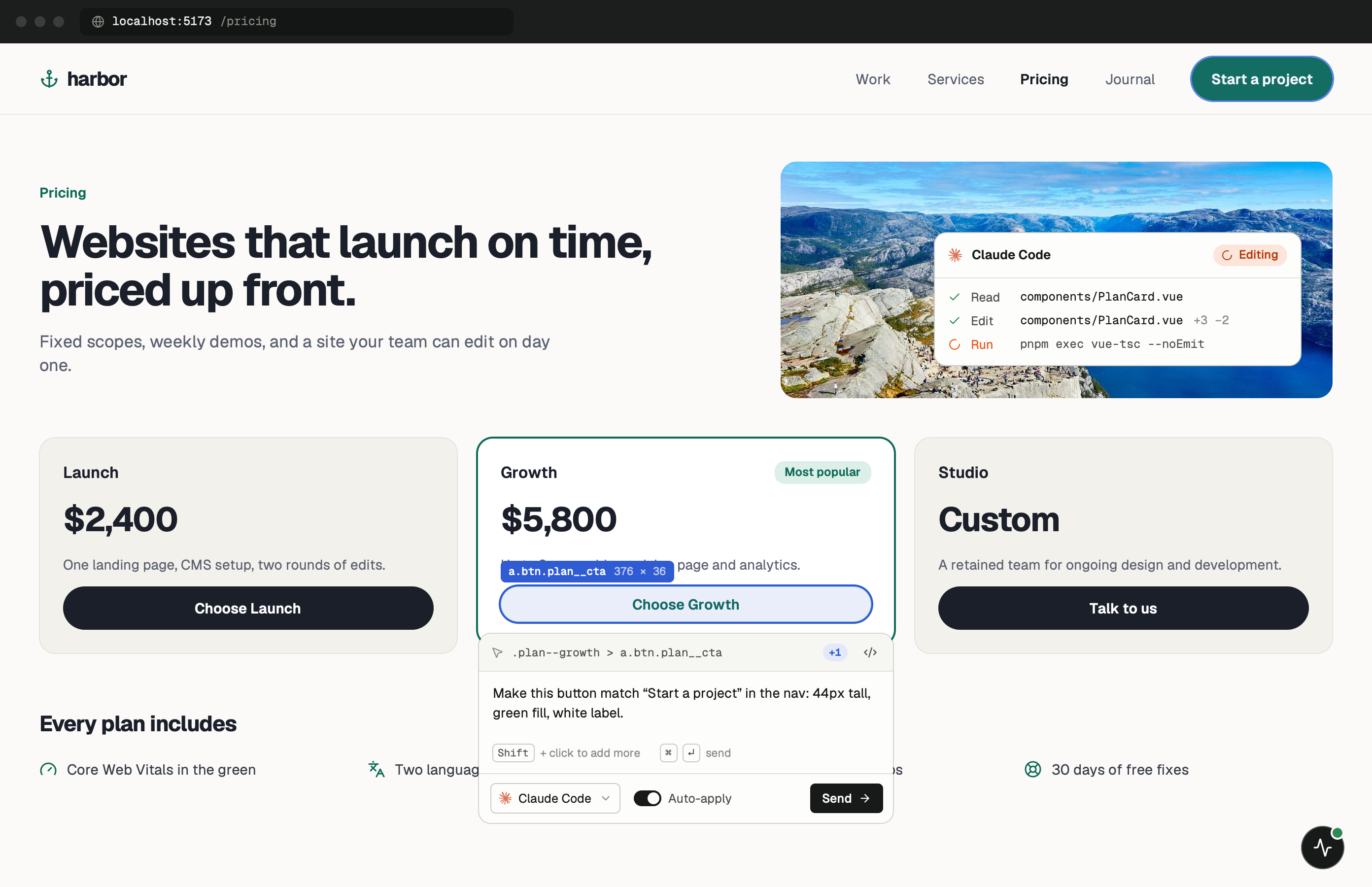
Layouts, includes and front matter.
A Jekyll page is a Markdown or HTML file whose front matter names its layout. That layout can sit inside another layout and pull pieces from _includes. The agent gets the page URL and the element you clicked, and works back from there through _layouts and _includes.
With a gem-based theme like minima, the layouts aren’t in your project at all; they live in the installed gem. To change one, copy it into your own _layouts or _includes folder and edit the copy. Jekyll uses yours instead of the theme’s.
One minute of setup.
None of it ships.
Set up project doesn’t know about Jekyll, so add the snippet to your default layout by hand. Copy the token and port from the app. More in the widget docs.
- Add
Paste the tag into your layout.
Put it before </body> in _layouts/default.html. jekyll.environment is "development" unless you build with JEKYLL_ENV=production, which GitHub Pages does for you.
_layouts/default.html {% if jekyll.environment == "development" %} <script src="http://localhost:3899/widget.js" data-token="YOUR_TOKEN"></script> {% endif %} - Run
Start jekyll serve.
Jekyll serves on localhost:4000. --livereload refreshes the page after each rebuild, which saves a reload after every approved change.
terminal $bundle exec jekyll serve --livereload
Notes for
Jekyll sites.
Knowing what is source and what is output keeps fixes where they belong.
Ignore _site
Everything in _site is generated and overwritten on the next build. Source lives in _layouts, _includes, _sass and your pages.
Sass partials
Styles in _sass are compiled into your CSS. The agent edits the partial that holds the rule, not the compiled file.
Front matter
Titles, classes and layout choices often come from a page’s front matter. If the wrong layout is used, the fix is one line at the top of the content file.
Rebuild, then reload
After you approve, jekyll serve rebuilds the site. With --livereload the tab refreshes itself; otherwise reload it.
Jekyll questions.
- Does it work with GitHub Pages?
- Yes. PulseDev works with your local jekyll serve. Fix locally, commit, and GitHub Pages builds without the tag.
- Can my agent fix Liquid templates?
- Yes. It edits layouts, includes and Liquid logic like any other file in the project.
- Does it work with Jekyll plugins?
- Yes. PulseDev reads the rendered page, so it doesn’t need to know which plugins you use.
- How do I keep it out of my own CI builds?
- Set JEKYLL_ENV=production in the build step. The if block then renders nothing.
Your Jekyll site is running.Go point at the bug.
Windows coming soon. Free to start.